Locate Us
Appointment
Find A Doctor
Ask A Doctor


Allied Services
Low Vision Care Clinic

The Clinic aims to provide the best possible management for persons with low vision.

What is Low vision?

Best corrected visual acuity of 6/18 or less and / or field of vision of 10 degree or less

In simple words…

People who are unable to see objects (say a person’s face) beyond maximum of 3m i.e., 10 feet distance (with their spectacle correction) and / or people those who have side vision difficulty are said to have low vision.

When ordinary eye glasses, contact lenses or intraocular lens implants cannot provide sharp sight, an individual is said to have low vision. Although reduced central or reading vision is common, low vision may also result from decreased side (peripheral) vision, a reduction or loss of clarity of vision, or the eye's inability to properly adjust to light or glare.

The Clinic helps in enhancing the existing potential vision of the patients

Difficulties dealt…


Most common conditions seen in the clinic


Services provided:


Available Optical devices:

Devices for distance:

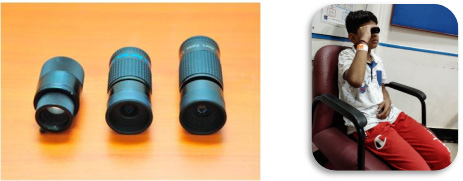
Telescopes:


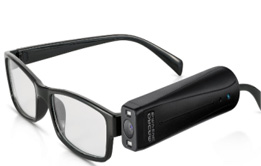
I. Monocular telescope
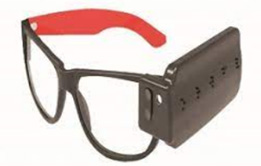
(Hand held and Spectacle mounted)
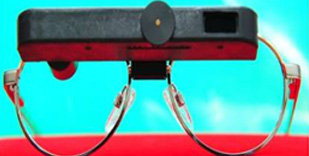
  II. Binocular telescope


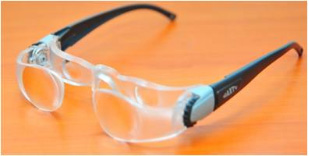
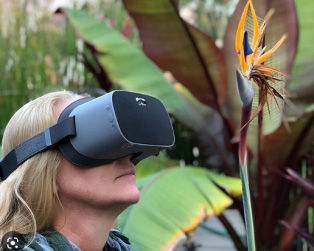
III. SEE TV (Spectacle model telescope)

Devices for near:


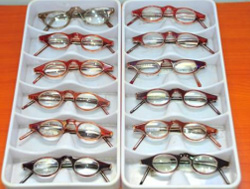
I. Spectacle magnifiers

 
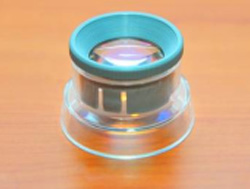
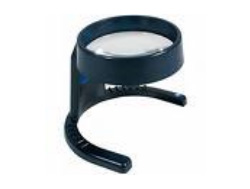
II. Stand magnifiers

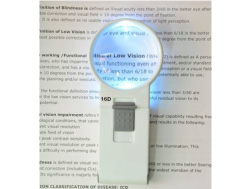
III. Hand held magnifiers

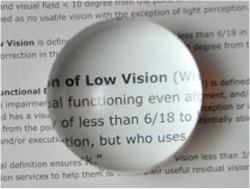
IV. Dome magnifiers V. Fresnel book magnifiers


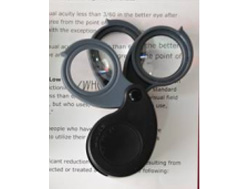
VI. Pocket magnifiers

Available Non-optical devices:


I. Notex   II. Typoscope

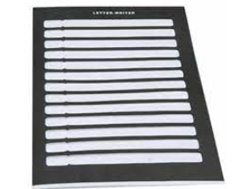
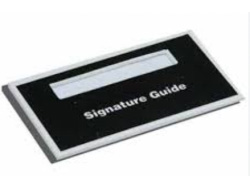
III. Letter writer IV. Signature guide V. Talking watch

VI. Needle threader

VII. Braille slate & style VIII. Braille scale & geometry set IX. Walking stick

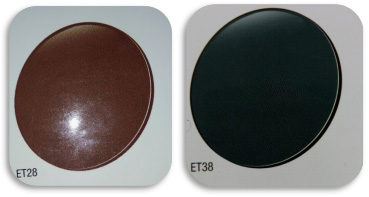
X. HKSB filters XI. Clip on filters XII. Tinted lenses


Available Assistive devices:


I. Black text on white background II. White text on black background

Aladdin CCTV

This is the most primitive model of CCTV which will have the inbuilt camera and projects the image through the self displaying monitor. This provides magnification range of 20x to 50x. Four viewing modes are possible with variable contrast. The image can be manually focused at different levels of magnification

Eye-Q (Pocket CCTV)

I. Portable CCTV (eg: Eye-Q)


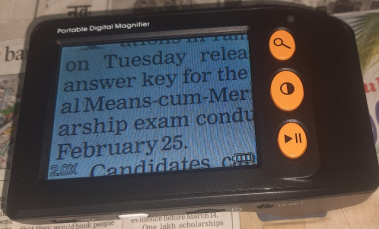
Portable model CCTV which has self display of 4.3 inch and provides a magnification of 4x, 7.5x, 8x and 15x. This has 3 variable contrast viewing modes. This device has an in-built writing stand for doing handwritten work. This can also be connected to a TV for viewing on an enlarged screen.

Bonita -Mouse model CCTV

A low cost portable magnifier that can be connected to any standard television / PC monitor (with the help of an adaptor), which provides magnification of 20 to 70 times on a 21 inch monitor with 3 different contrast modes.

Quick look Zoom

Spotting Writing

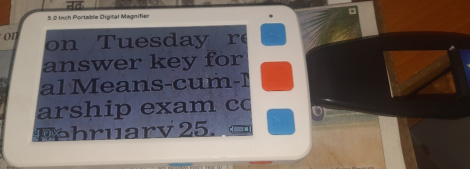
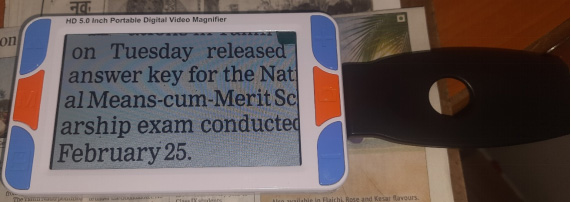
This portable magnifier has 4.3 inch LCD display, which provides magnification of 3x to 18x with 56 variable contrast modes. The unique design with flip camera on the side of the unit helps in better writing tasks.

Onyx

Onyx

A powerful video magnifier mounted on a swing arm provides magnification of up to 100 times on a 21 inch monitor in which 3 viewing modes are possible i.e Distance view for viewing black boards / powerpoint presentations, Near view for reading and Mirror view for self-grooming. This device provides 3 different contrast, variable brightness and typoscope effect for better reading tasks.

Reader devices:

Buddy player (for demonstration):

Buddy player

Buddy player is an assistive media player designed to address the educational and entertainment needs of a person with visual impairment. It is user-friendly and has features of DAISY forum, FM radio, Voice recorder, etc. All e-books (preferably in DAISY format) can be downloaded to Buddy player through USB card; both human voice notes and digital voice notes will be recognized.

ClassMate reader (for demonstration):

ClassMate reader

The ClassMate Reader is a portable, battery-powered product intended to meet the needs of people who have visual reading difficulties. It combines synthetic speech and a small touchscreen to present material. It can be controlled either by physical buttons or by the touchscreen. Accessible file formats include text, HTML and DAISY. Information can be stored on either an SD (Secure Digital) card or USB drive. The USB port can also be used to transfer material from a computer to the ClassMate reader.

Intel reader (for demonstration):

Intel reader

The Intel Reader is a camera device with optical character recognition. Once a picture of text has been taken it is possible to have it read back by a male or female voice. The speed and pitch of voices can be adjusted. All menus are read aloud, actions have sounds linked to them and the text viewed on the small screen (4.3") can be enlarged or enhanced with color changes. It is possible to scroll through text and files that are saved on the device. There is a computer USB connection through which the data can be transferred. The Intel Reader will play MP3/WAV files, DAISY books and text transferred from a computer.

Available computer softwares (for demonstration):

Reader software:


Magnification + Reader software:


Text scanning software:


Mobile softwares (for demonstration):

KNFB reader

KNFB Reader

This software converts the mobile phone into a mobile reading machine. Once the snapshot of the text to be read is taken, this software reads the contents aloud in a clear voice instantly; it also highlights the reading word on the phone’s display screen in large print.

Visual enhancement Techniques:


Referral done:


Available guidance (if necessary):

Contrast enhancements:

Poor contrast Better contrast

Environmental modification to enhance contrast within the patients own living area are suggested so that their environment is suited to their visual limitations.

Independent Living Skills: Skills/techniques so that a person can carry out basic activities of Daily Living more independently in spite of visual impairment are discussed.

Disability Concessions: Details regarding Disability certificate and various concessions offered by the government for visual handicapped are provided. Various Concessions / monetary benefits available are also explained.

Availability of low-interest bank loans for visually impaired are informed

Visually impaired graduates are referred to various associations that help in providing placement for the visually impaired.

Assistive technology: Mobile software available for people with visual impairment are recommended for usage of mobile phones. Similarly there are various computer softwares available so that a person with visual impairment can use the computer independently. Appropriate software/basic computer modifications will be suggested based on the individual’s requirements.

Facilities for students: Students may be unable to perform well in regular school due to visual impairment. Appropriate magnifying devices to help them continue education will be suggested. The best mode of schooling (Regular / Integrated / Inclusive / Special) for the child to function well in spite of visual impairment will be recommended.

Details regarding use of an assistant such as a reader/scribe for students who are unable to perform well in exams due to visual impairment will be discussed.

For Further Information Contact:

Low vision care clinic
Sankara Nethralaya,
18, College Road, Nungambakkam,
Chennai - 600 006, Tamil Nadu, India
Phone: 044-42271519 / 044-28301519.
E-mail: lvc@snmail.org

   
Home About Us Patient Care Education Research Activity Report Ophthalmic Links Lasik Feed Back Contact Us Teleophthalmology
Community Ophthalmology Eye Bank Publications Future Events & Conference International Patient Services Career NABL Accreditation SNSC Laboratory
Updated on : 16/01/2012
 
Designed and Maintained By Sankara Nethralaya